Identify width of monitor in inches
using AI
Below is a free classifier to identify width of monitor in inches. Just upload your image, and our AI will predict the width of the monitor in inches - in just seconds.

Create a free account to:
Get instant API credentials
Start calling the API immediately with your own keys
Track accuracy on your data
See real-time performance metrics and understand how well the model works for your specific use case
Discover better models for your data
Get recommendations for specialist models trained on your examples that are more accurate and cost-effective
Add this classifier to your console
Clone width of monitor in inches into your project — then invoke it, track accuracy on your own data, and improve it.
Clone to your console →How this classifier works
To start, upload your image. Our AI tool will then predict the width of the monitor in inches.
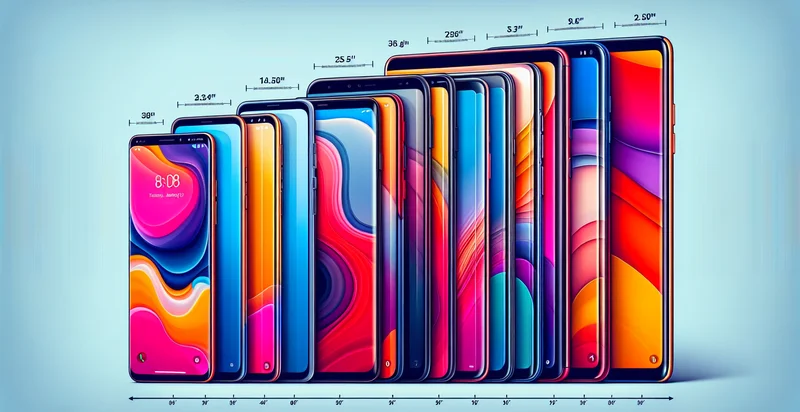
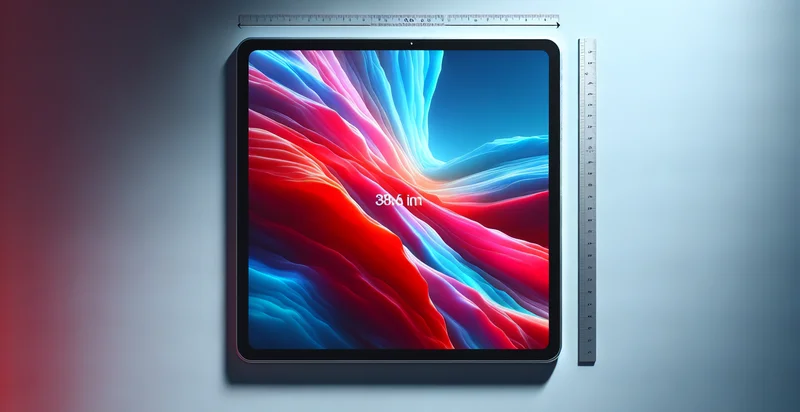
This pretrained image model uses a Nyckel-created dataset and has 15 labels, including 1-3 Inches, 10-12 Inches, 13-15 Inches, 16-18 Inches, 19-21 Inches, 22-24 Inches, 25-27 Inches, 28-30 Inches, 31-33 Inches and 34-36 Inches.
We'll also show a confidence score (the higher the number, the more confident the AI model is around the width of the monitor in inches).
Whether you're just curious or building width of monitor in inches detection into your application, we hope our classifier proves helpful.
Related Classifiers

Need to identify width of monitor in inches at scale?
Get API or Zapier access to this classifier for free. It's perfect for:
- Retail Display Optimization: Retailers can utilize the width of monitors in inches to tailor their product displays based on screen size. This can help enhance the shopping experience by ensuring that products are showcased in optimal visual formats suited to various monitor sizes.
- Targeted Advertising: Digital marketers may use monitor width identifiers to customize advertisements ensuring they fit well on specific screen sizes. By optimizing ads for different monitor dimensions, brands can improve engagement and conversion rates.
- Software Compatibility Checks: Software developers can implement monitor width classification to validate compatibility with their applications. This can help in ensuring that user interfaces are designed to fit comfortably on a range of screens, providing a better user experience.
- User Behavior Analytics: Businesses can analyze how the width of monitors influences user behavior and interactions on their websites. Understanding the relationship between screen sizes and engagement can guide design and content strategies for improved usability.
- E-learning Content Customization: Educational platforms can adjust their course content display based on the width of the monitors used by students. This ensures that video lectures, infographics, and other learning materials are effectively presented, maximizing educational impact.
- Technical Support Automation: Technical support systems could automate troubleshooting processes by identifying the width of monitors reported by users. This information helps in delivering tailored solutions based on the hardware capabilities of users.
- Market Research and Trends Analysis: Market researchers can analyze monitor width data to identify trends in consumer electronics preferences over time. Understanding the popularity of different monitor sizes can inform future product development and marketing strategies.